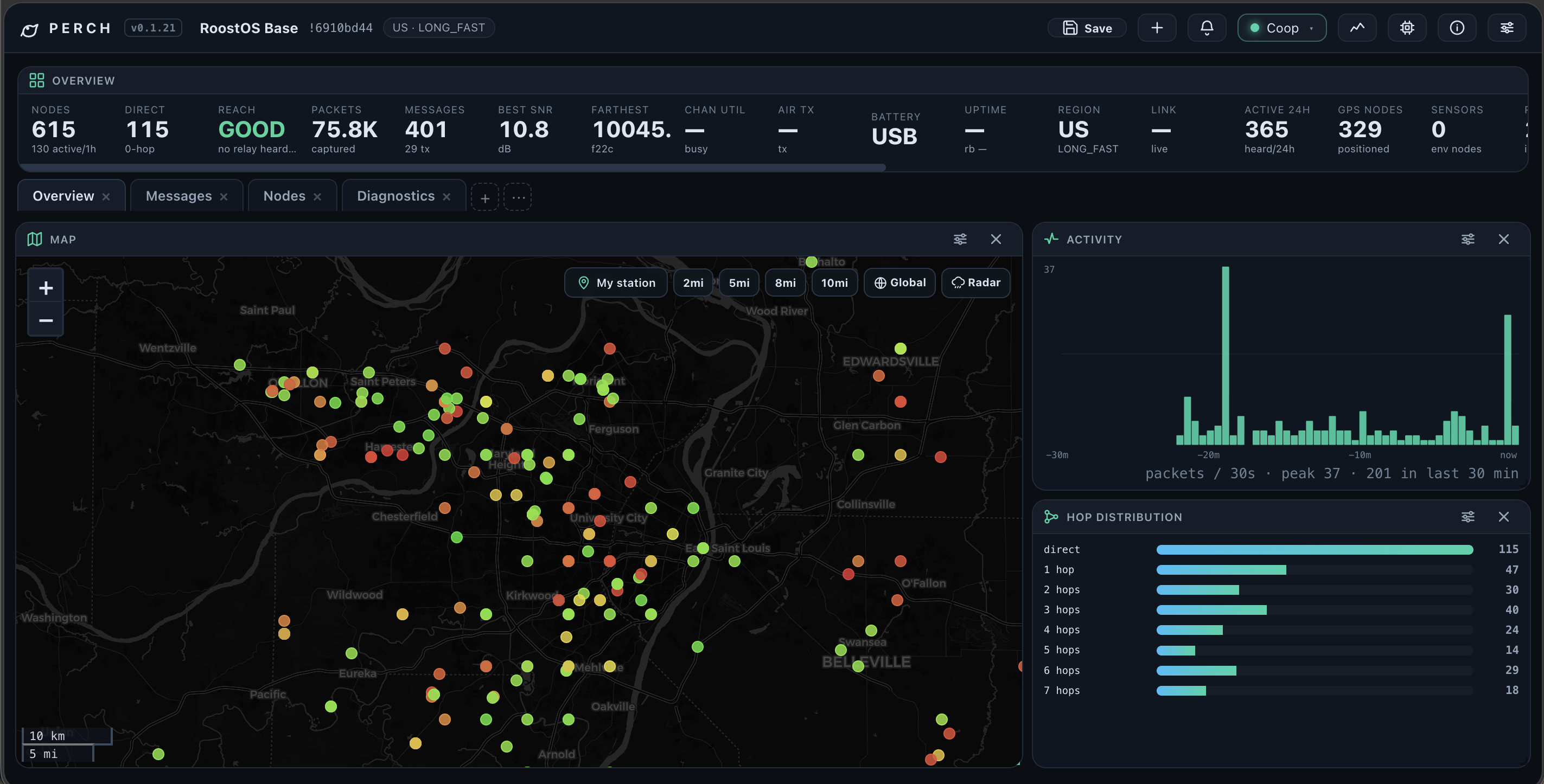
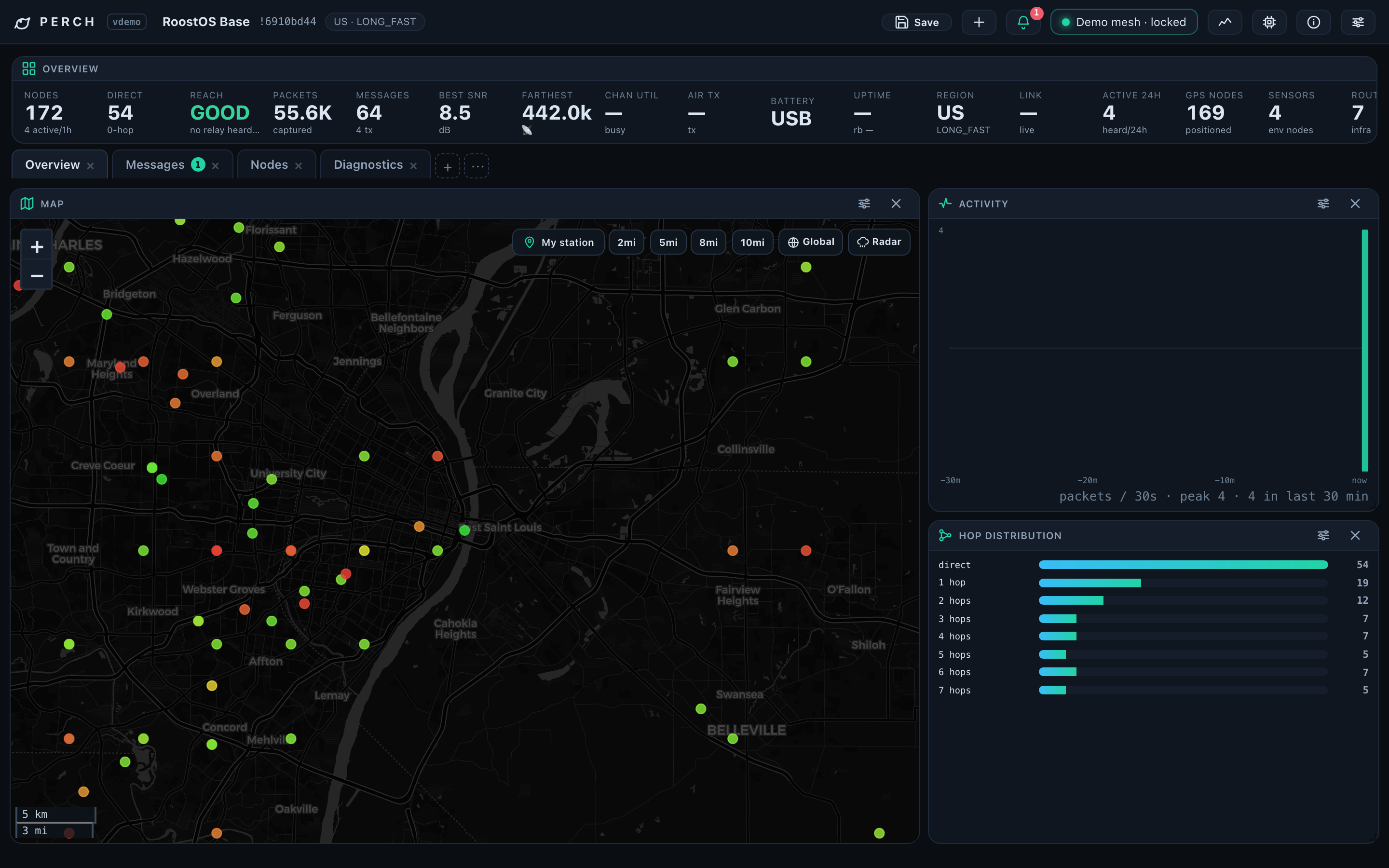
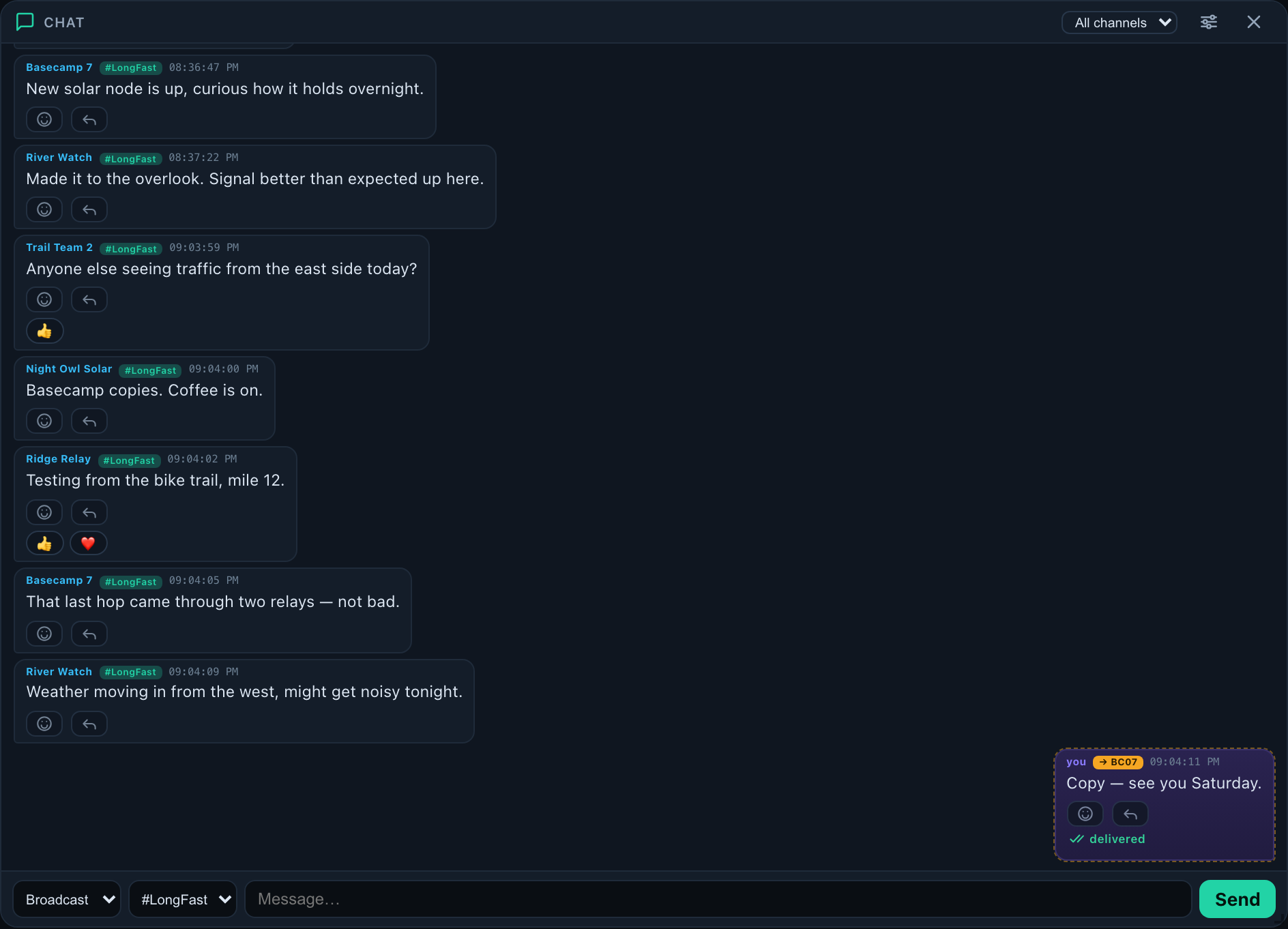
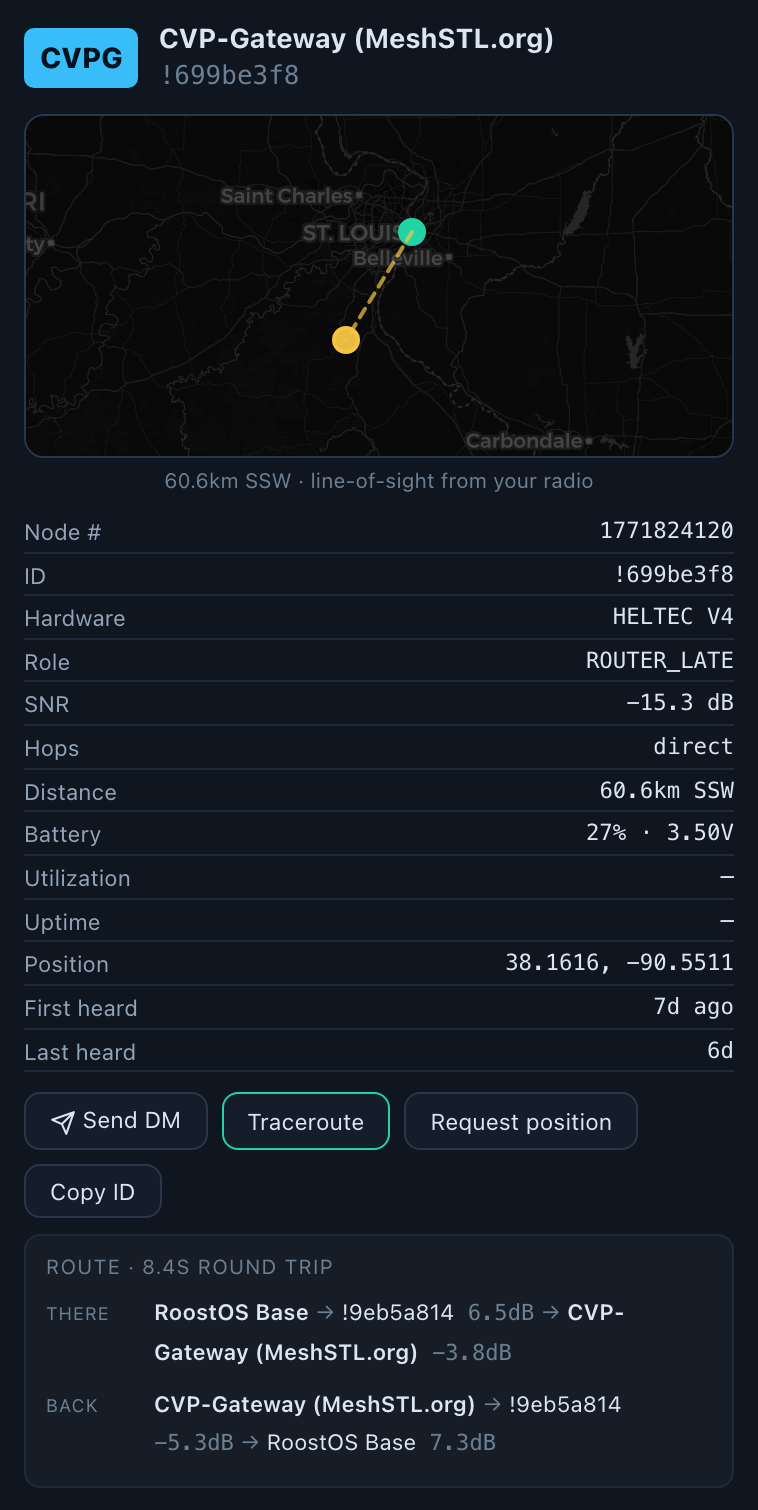
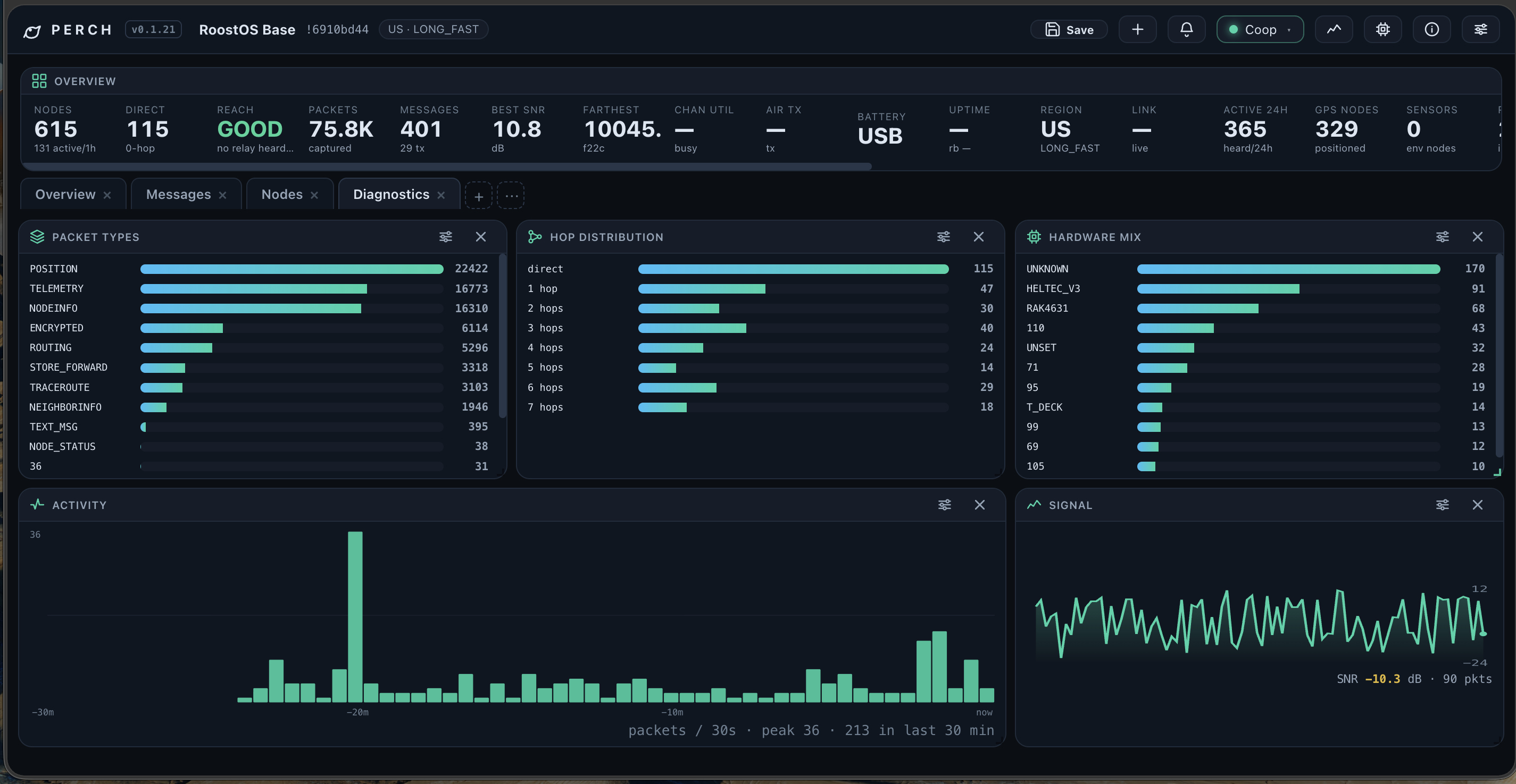
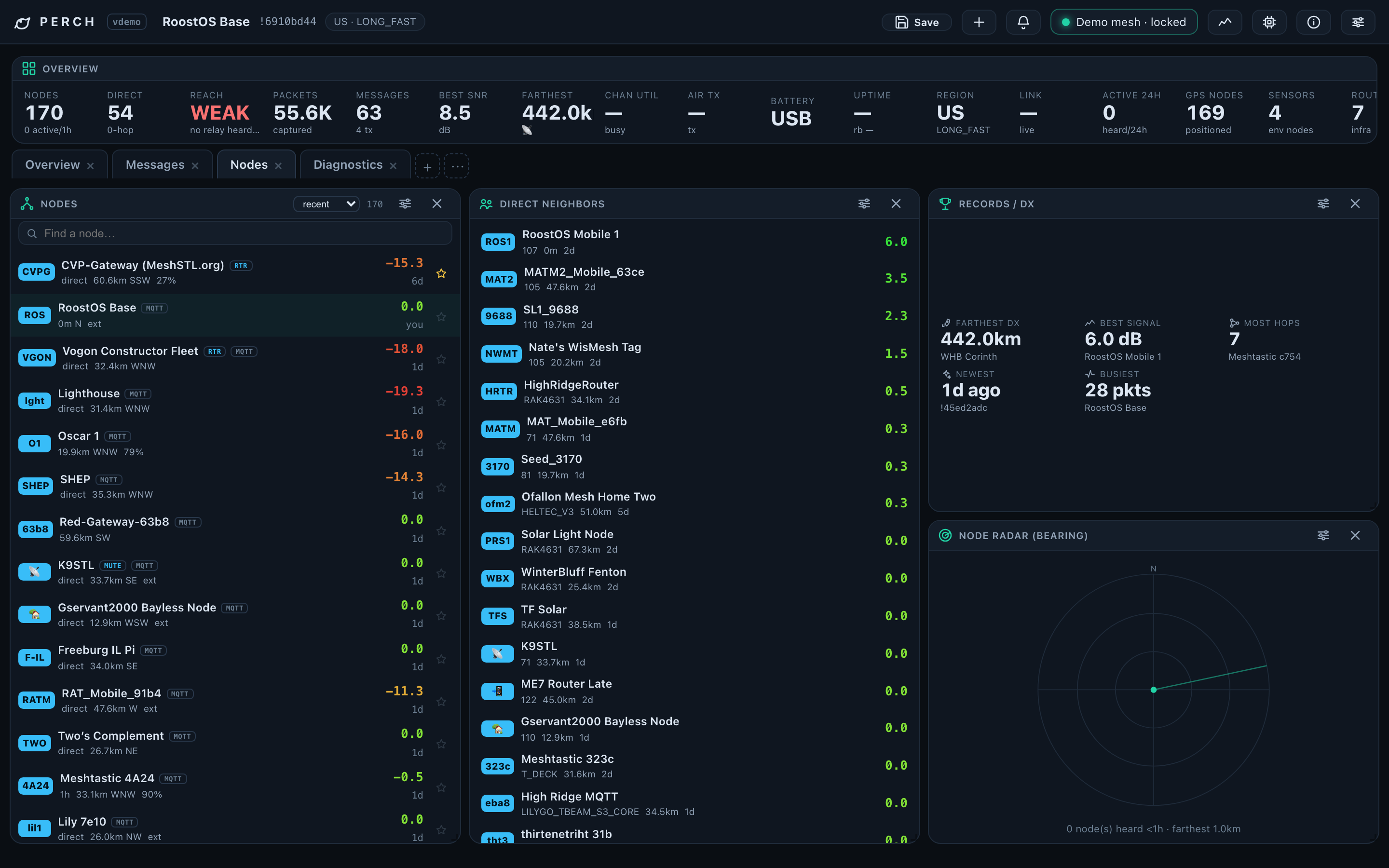
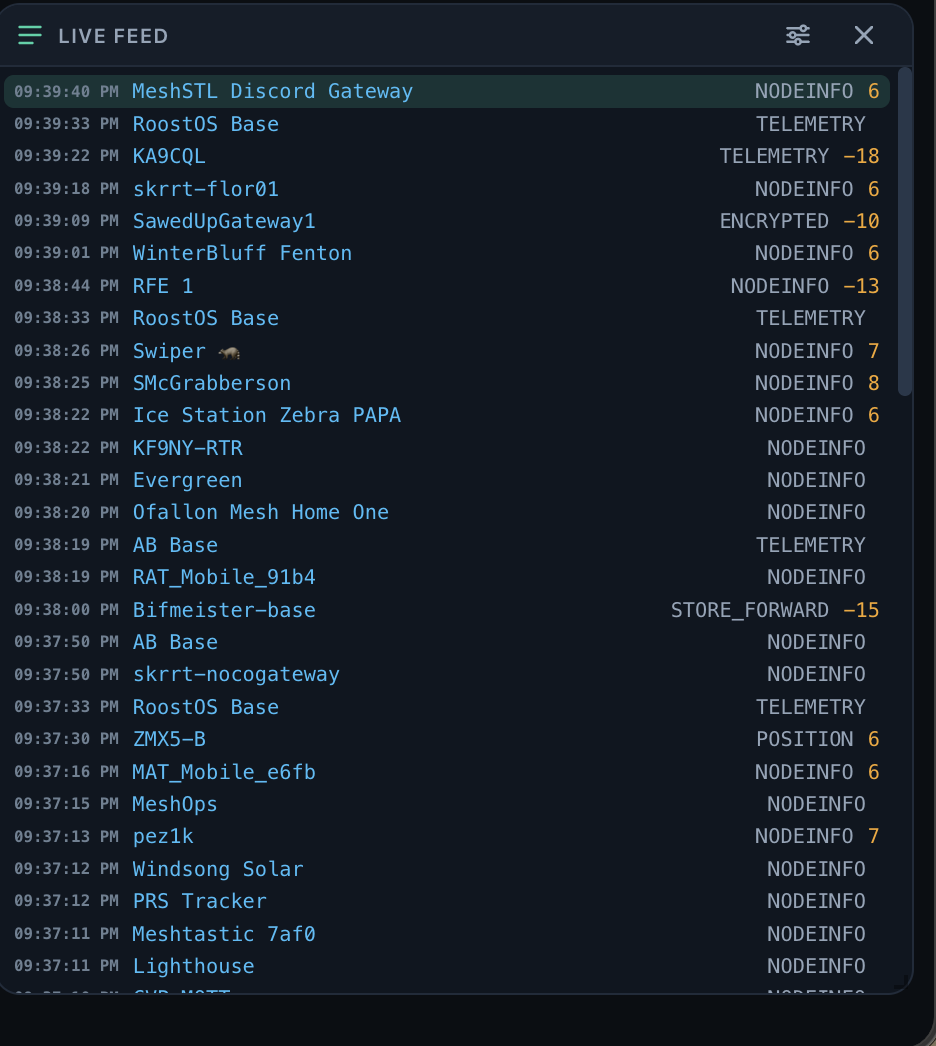
Perch is a command center for your Meshtastic radio — the dashboard the hobby deserves. Plug a $40 LoRa radio into your Mac (or Linux, or Windows), open Perch, and your city's mesh appears: every node, every message, every packet, with the network tools to actually understand it.
Perch is what you look at. Coop is what does the work. They install together and find each other automatically — you never configure the pair.
Any Meshtastic-supported LoRa board works. The sweet spot: the Seeed XIAO ESP32-S3 + Wio-SX1262 kit (~$40, case included) or a LILYGO T-Deck. Flash Meshtastic firmware with the official web flasher if it didn't ship with it.
macOS: download Perch.app from GitHub releases — Coop is inside the bundle. Linux/Windows: grab the binaries or go build from source. No accounts, no telemetry, nothing to sign up for.
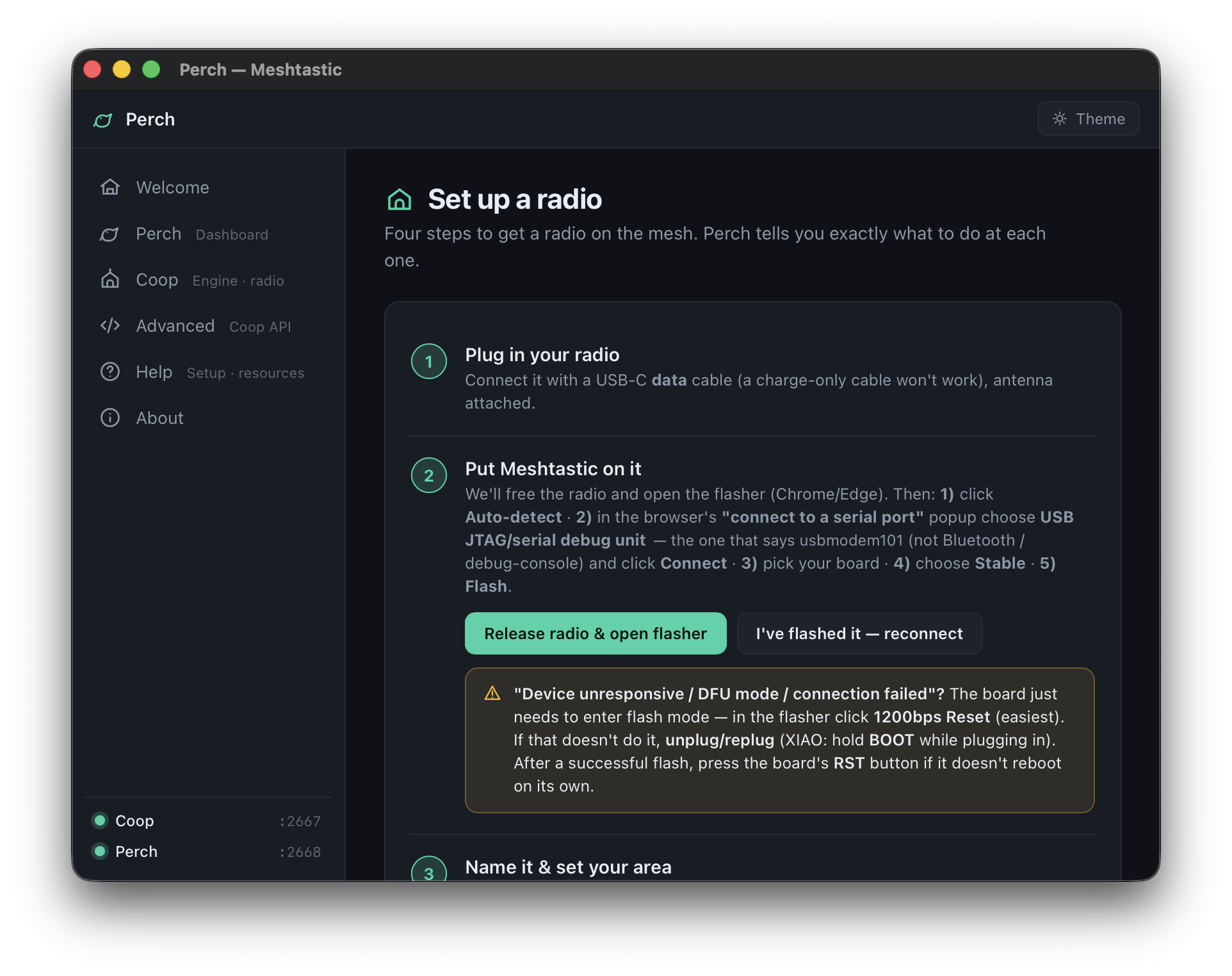
Connect the radio over USB and open Perch. Coop finds the serial port, handshakes, and the dashboard fills in. WiFi radios work too — Coop can dial the firmware's TCP API.
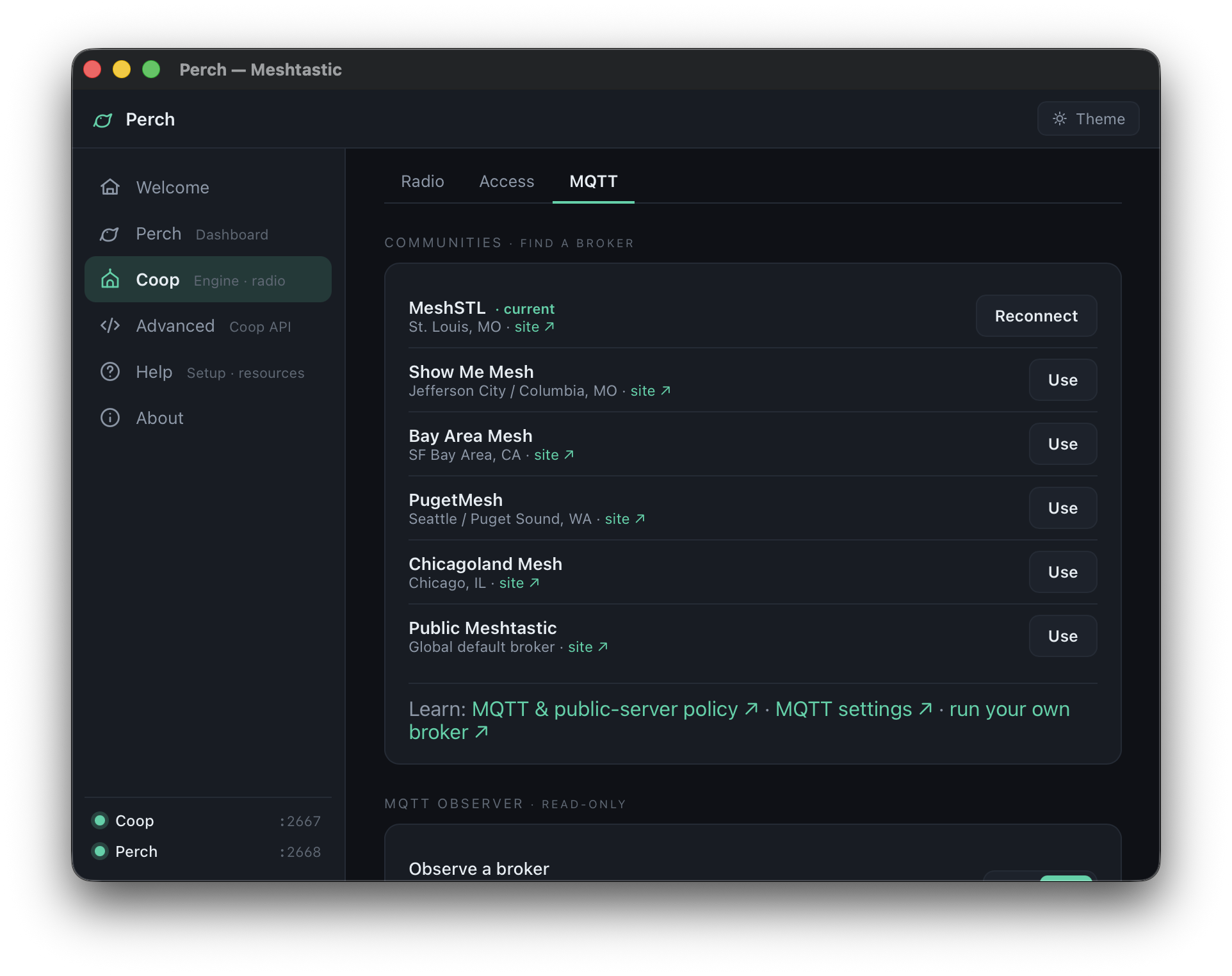
Import your community's channel QR/URL right from Perch's channel manager, set your region, and you're part of the neighborhood. (St. Louis? Say hi to MeshSTL.)
The complete manual — from "which radio do I buy" to the raw API. Also worth a look: the troubleshooting guide and FAQ.
Radio → USB → dashboard, step by step with screenshots.
Hardware guideBoards that work great, boards that work, antennas, cases.
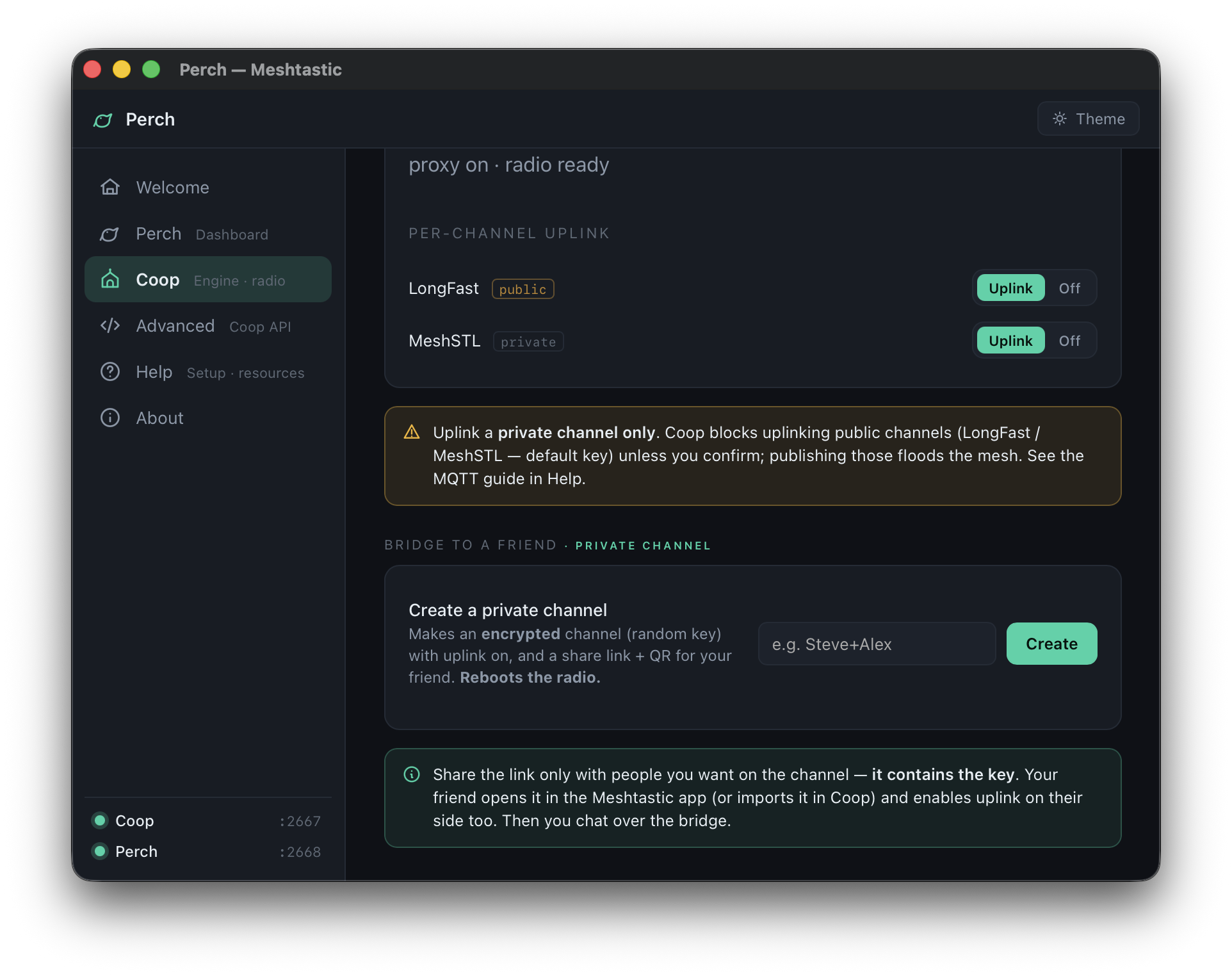
Channels & keysJoining community meshes, PSKs, QR import/export, region setup.
The capture databaseWhere your history lives, retention, backups, querying with SQL.
MQTT & community meshesObserving beyond radio range; running your own broker.
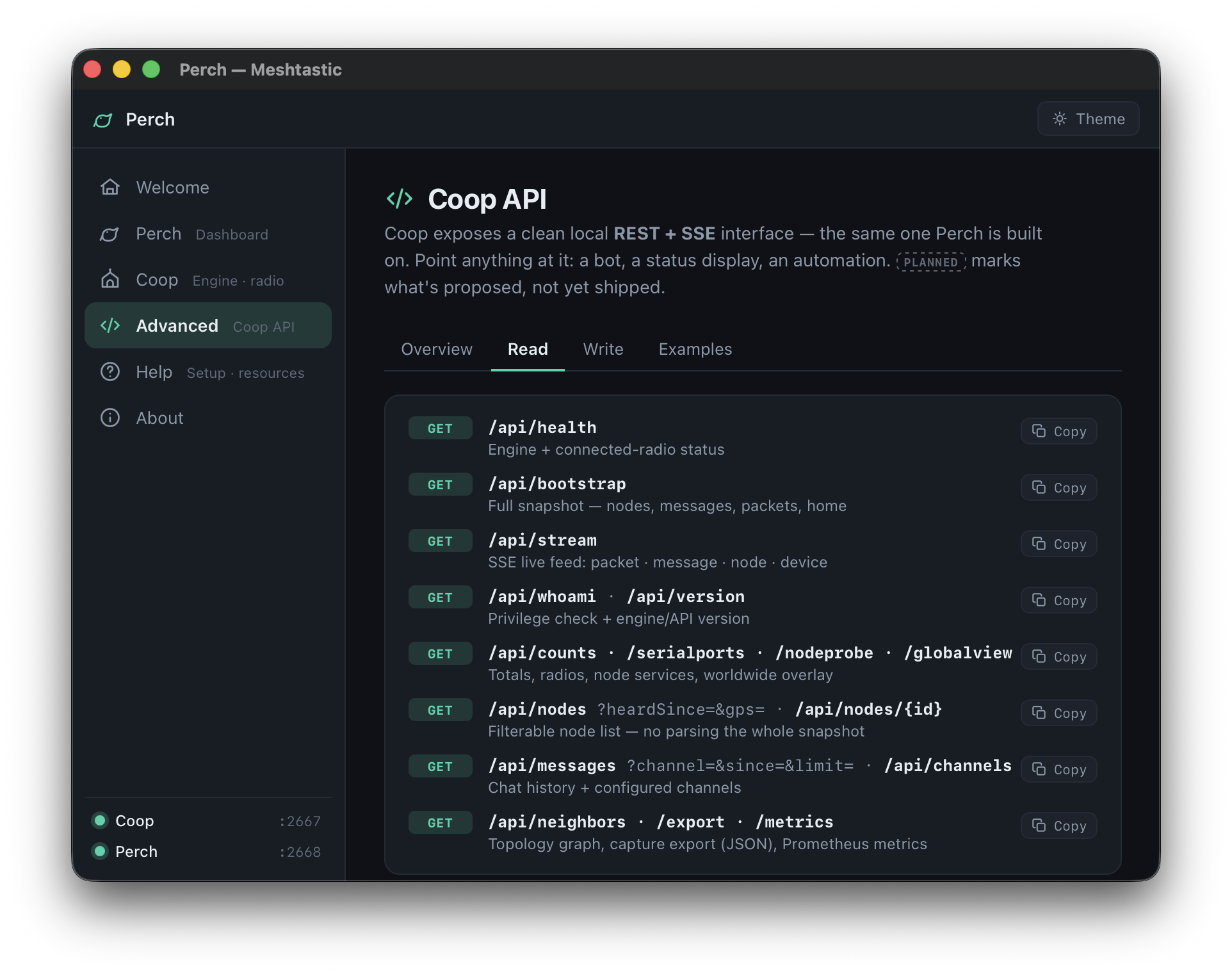
Coop API referenceREST + SSE endpoints for building your own tools on the engine.
Mesh servicesTraceroute, position requests, neighbor topology — how to read them.
Multi-engine setupsSeveral radios, remote Coops over Tailscale, read-only observers.
ArchitectureHow Perch and Coop fit together; why the capture survives anything.